
Dynamic Government 365
Governmental Tendering & Procurement Solution
Improve transparency and fairness of the tendering process, streamline the procurement process, reduce administrative burden, and improve compliance with procurement regulations.
Who is it for?
Every Government Organization.
The solution automates the tendering process from the early stages of drafting, till the final stage of contracting. The solution also helps the government organization to enggage with the supplier online and provide a complete transparent tendering process.
The solution functionality also integrates with Budgeting Solution to provide spending performance visibility and control.
Use Case
The solution covers the typical tendering process in a government agency follow the steps below and governed by the tendering law terms:
- Tender drafting: An internal process which in the entity prepares the tender and define forecasting and operation information, such as funding source linked to budget accounts, execution term, special conditions, tender type and so on.
- Tender announcement: The government agency wishing to procure goods or services issues a tender announcement, which includes the scope of work, technical specifications, and any other requirements.
- Pre-qualification: Interested suppliers may be required to submit pre-qualification documents to demonstrate their eligibility to participate in the tendering process. The pre-qualification process typically includes an evaluation of the supplier's financial, technical, and legal capabilities.
- Tender participation and fees: Interested suppliers will be able to download tender documents from the online portal, and they can also pay participation fee if applicable to the tender through an online gateway.
- Submission of bids: Eligible suppliers or invited ones, are able to submit bids in response to the tender announcement. Bids combine detailed technical proposal, commercial proposal, bill of materials, compliance sheets and any other relevant documents. They can also settle the tender bond online or submit an evidence of the tender bond LG physical delivery.
- Bid evaluation: Bids are evaluated based on a set of pre-determined criteria, including technical and financial factors. The evaluation process is typically overseen by a committee appointed by the government agency. Committee conformation and responses are part of the managed process in the system where committee evaluation results are also published online to participated vendors.
- Inquiries & Objections: as a vital part of the tender process, participating vendors can send tender inquiries or objections against evaluation steps in the acceptable time windows. Such inquiries and/or objections are processed in compliance with the tendering law guidance.
- Awarding & contracting: The government agency awards the contract to the supplier whose bid is deemed to offer the best value for money and meets all the requirements of the tender announcement. Awarding is announced to the public portal and contracting process is automatically initiated following the contract template attached to the tender.
Quick Links
Business Benifits
Solution Components
Features Heilights
Streamlined Process
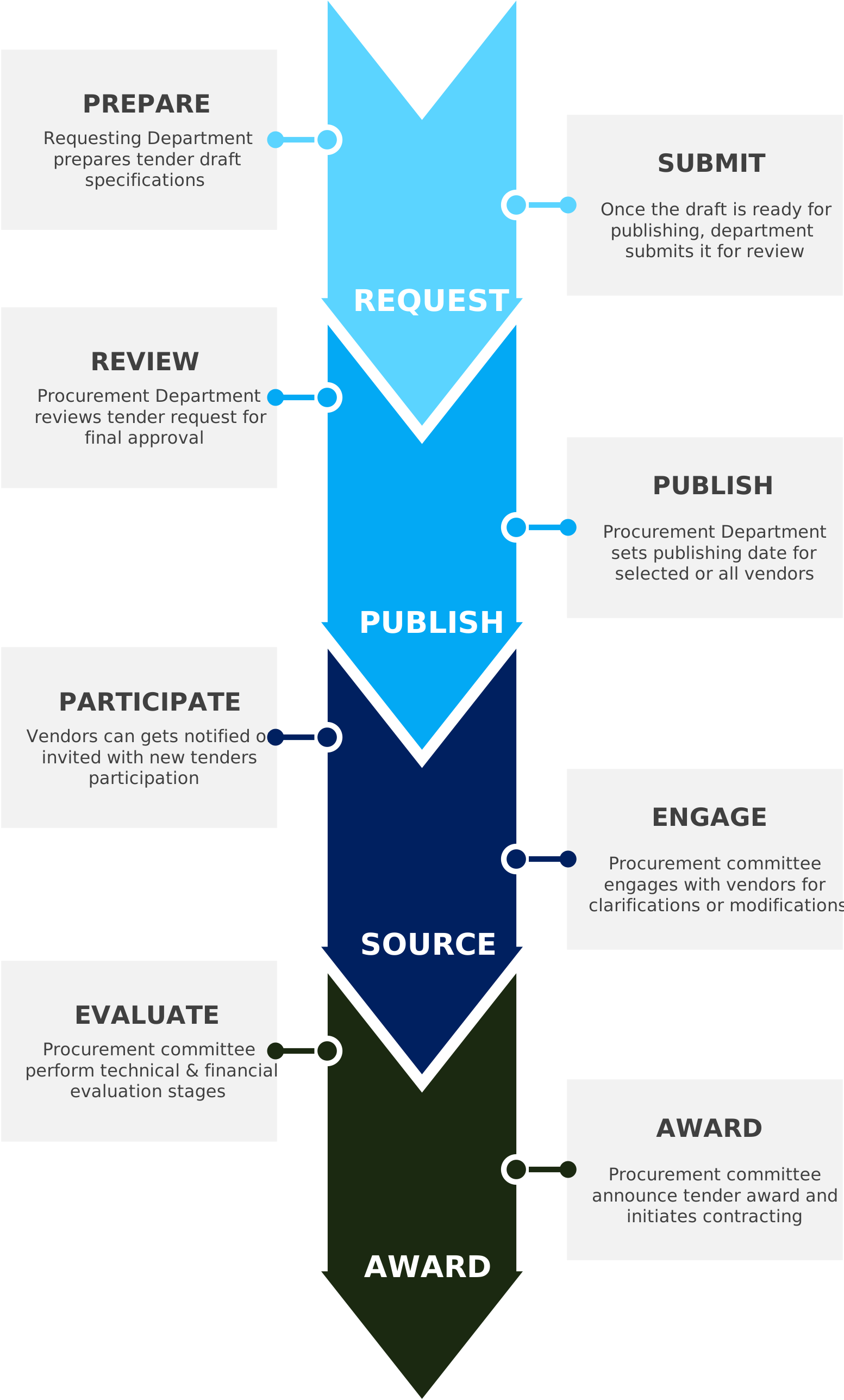
Process Overview
DG365 | Tendering Platform helps your organization to promote RFPs publicly or limit notifications to qualified vendors and receive submissions for any form of requests (EOI, RFP, RFT, ROI, RFQ).
- Track supplier registrations of interestack supplier registrations of interestack supplier registrations of interestack supplier registrations of interestack supplier registrations of interestack supplier registrations of interest
- Publish online tender response forms.
- Automatically email Addenda / Q&A to registered suppliers.
- Date & Time stamp RFP submissions
- Electronically notify suppliers of RFP receipts
- Publish Tender results.
- Upload your RFx documents.
Tendering process complies with sourcing standards and is flexible to adopt local rules and regulations. Engaging multi-roles procurement participants and eliminating paperwork completely.
Dynamics Government Tendering Module also provides an internal cross-department & collaborative process procurement process that begins with the requesting department and continues to the procurement department.
Extended process also helps your organization forming multiple tendering committees and facilitates all tender’s activities for vendor engagement, such as, requesting for clarifications, issue complains, and more…
Tender Preparation
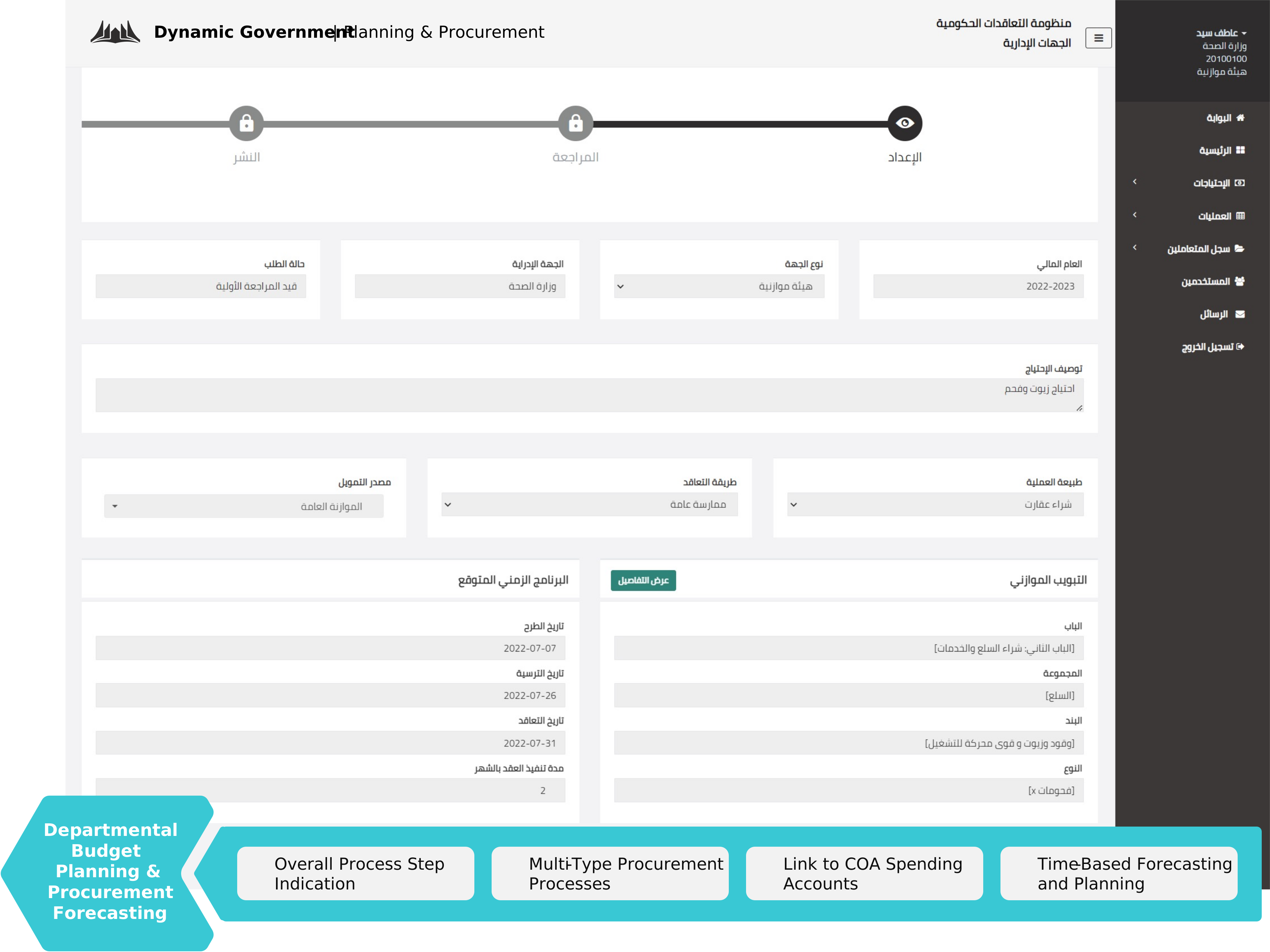
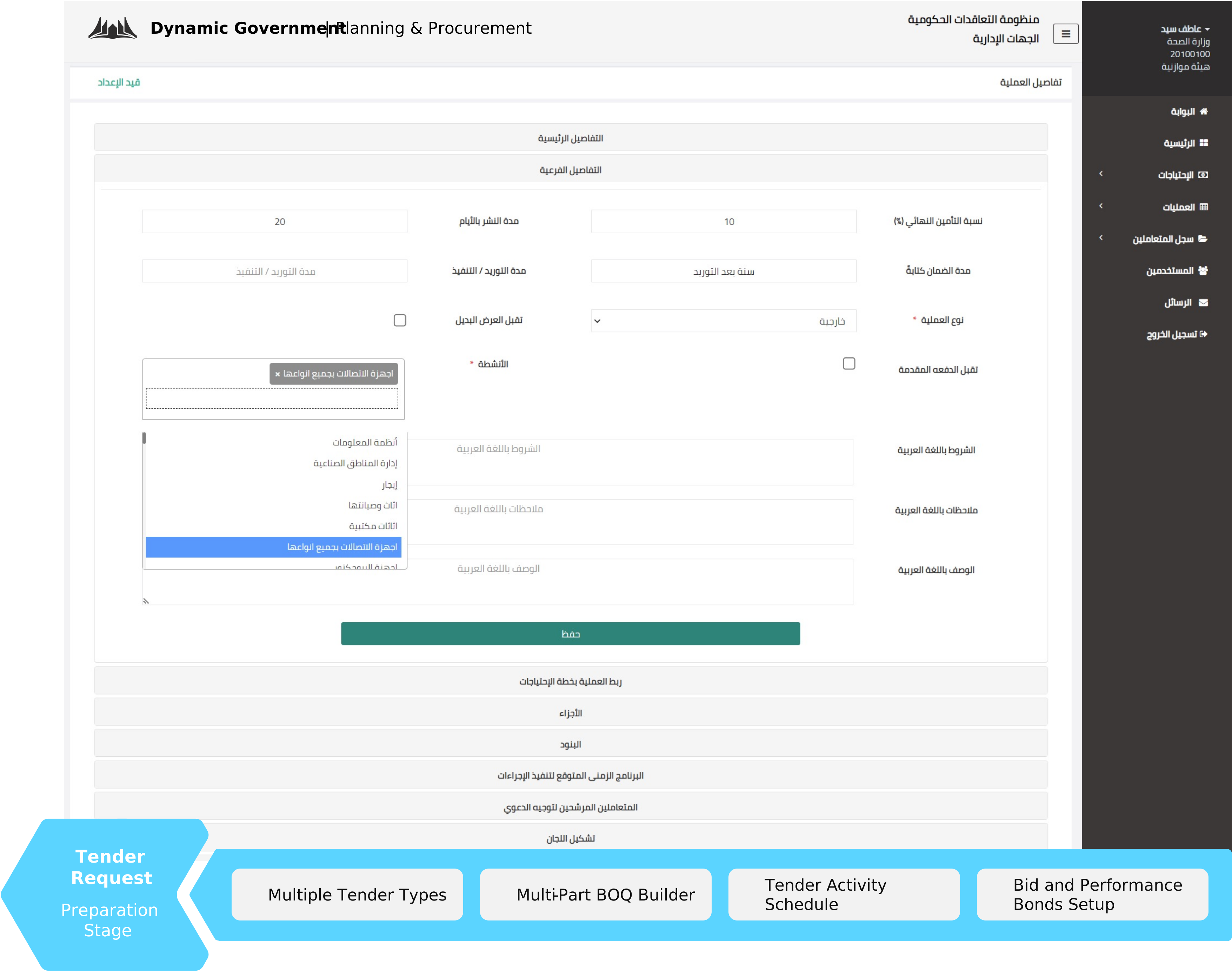
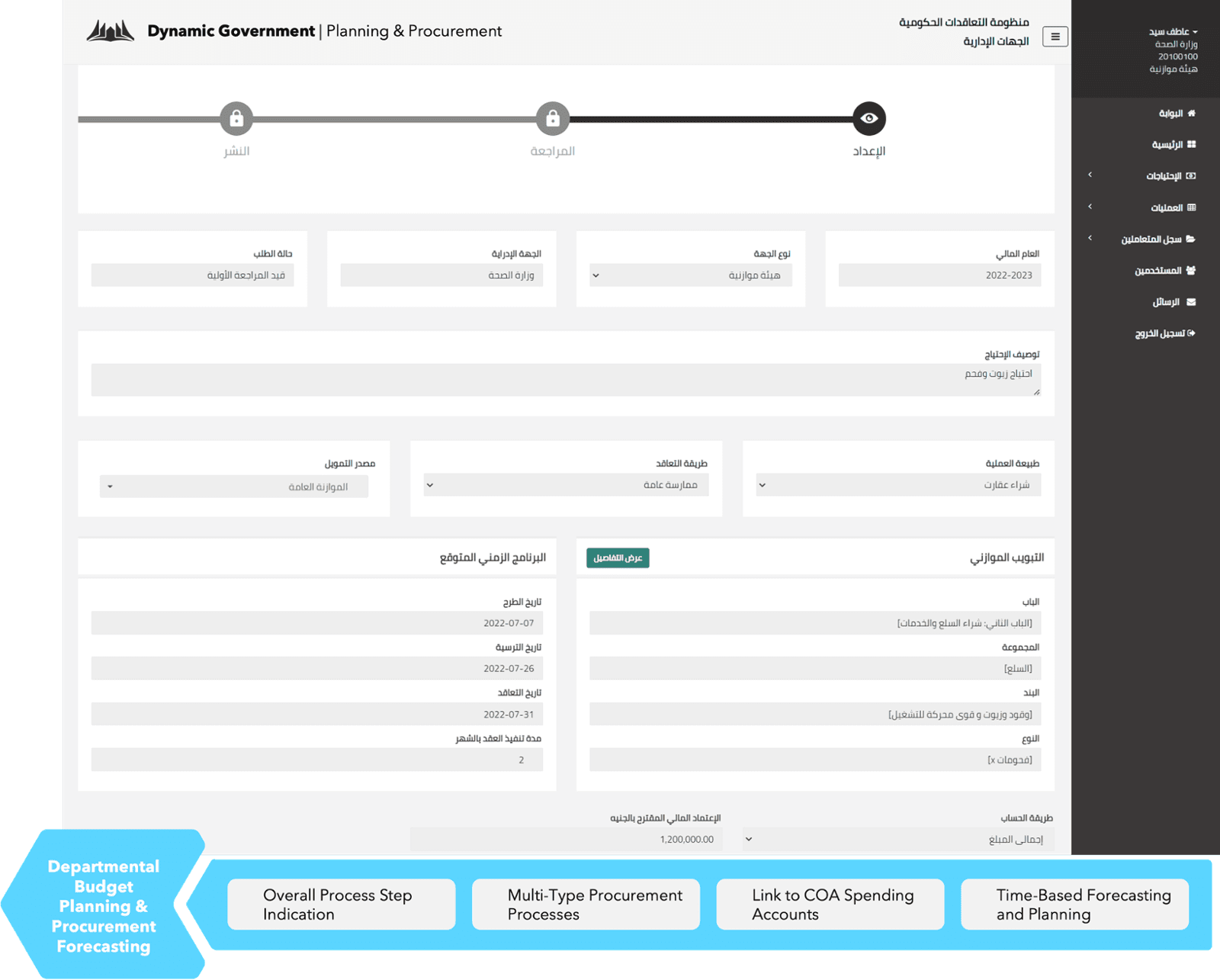
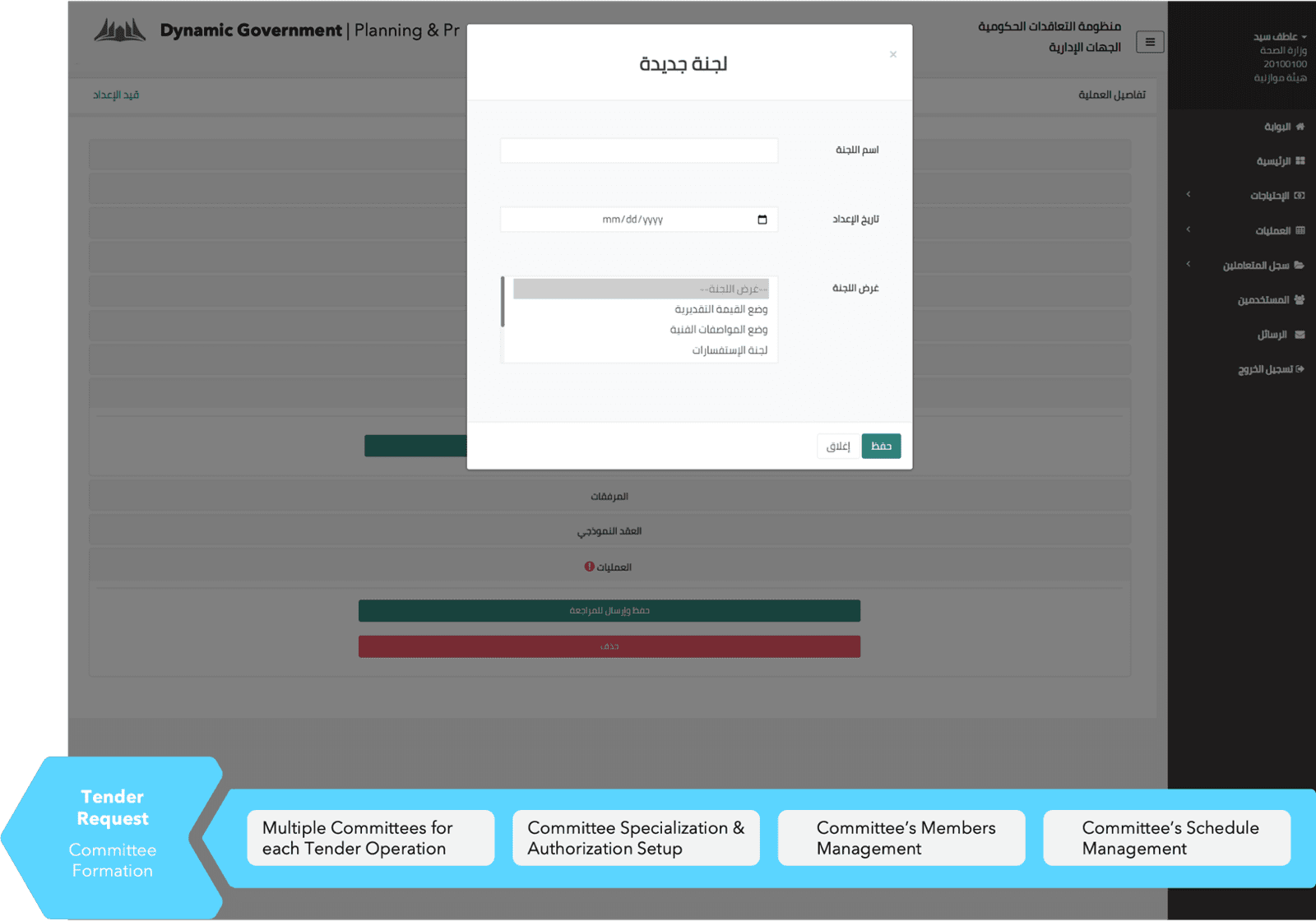
Requesting Department can initiate a tender with all required specifications from an easy-to-use data entry interface, with rich features such as:
Tender Review & Publishing
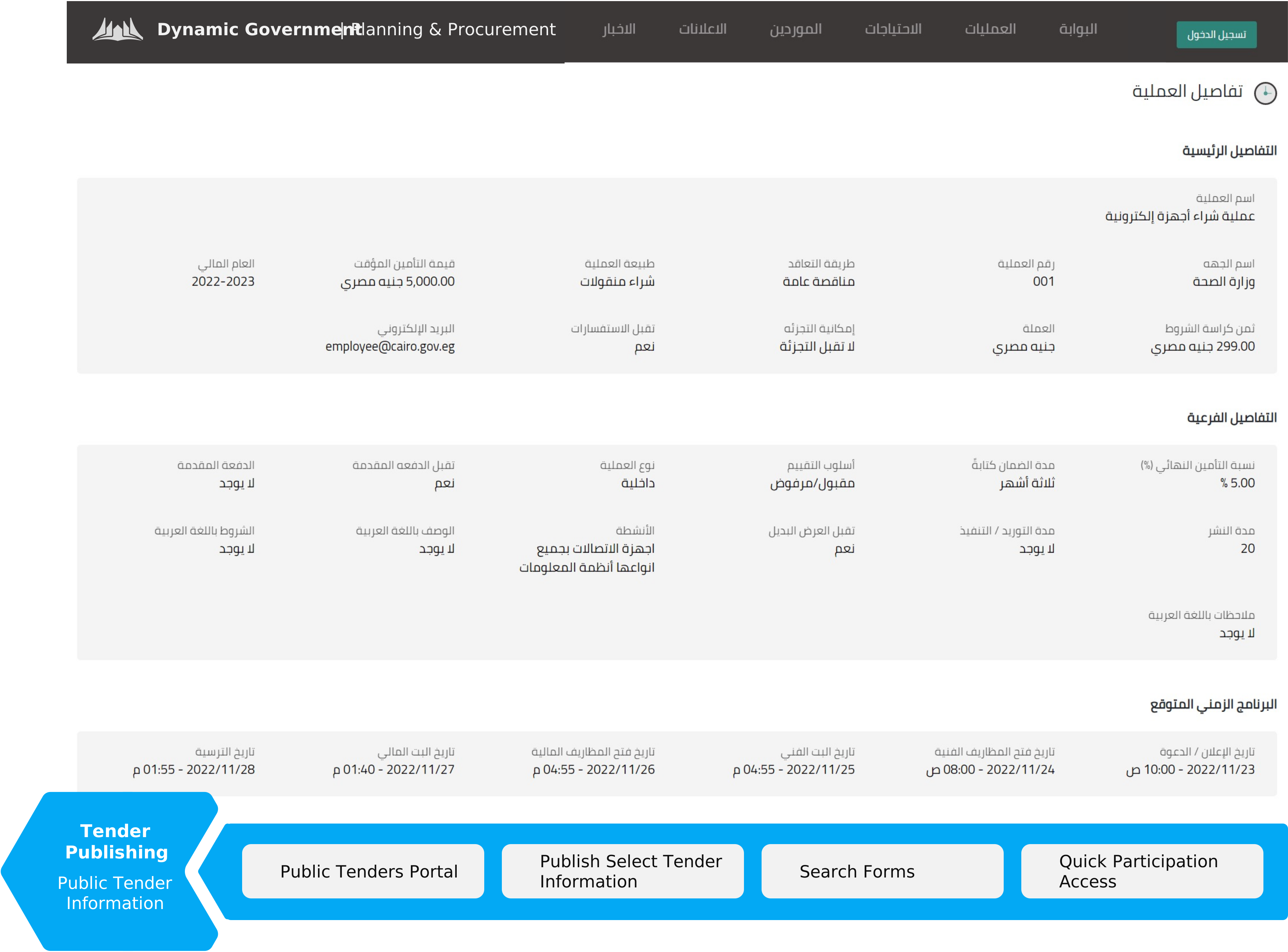
Procurement department centrally receives tender requests for compliance review before publishing to vendors portal:
Vendor Participation & Sourcing
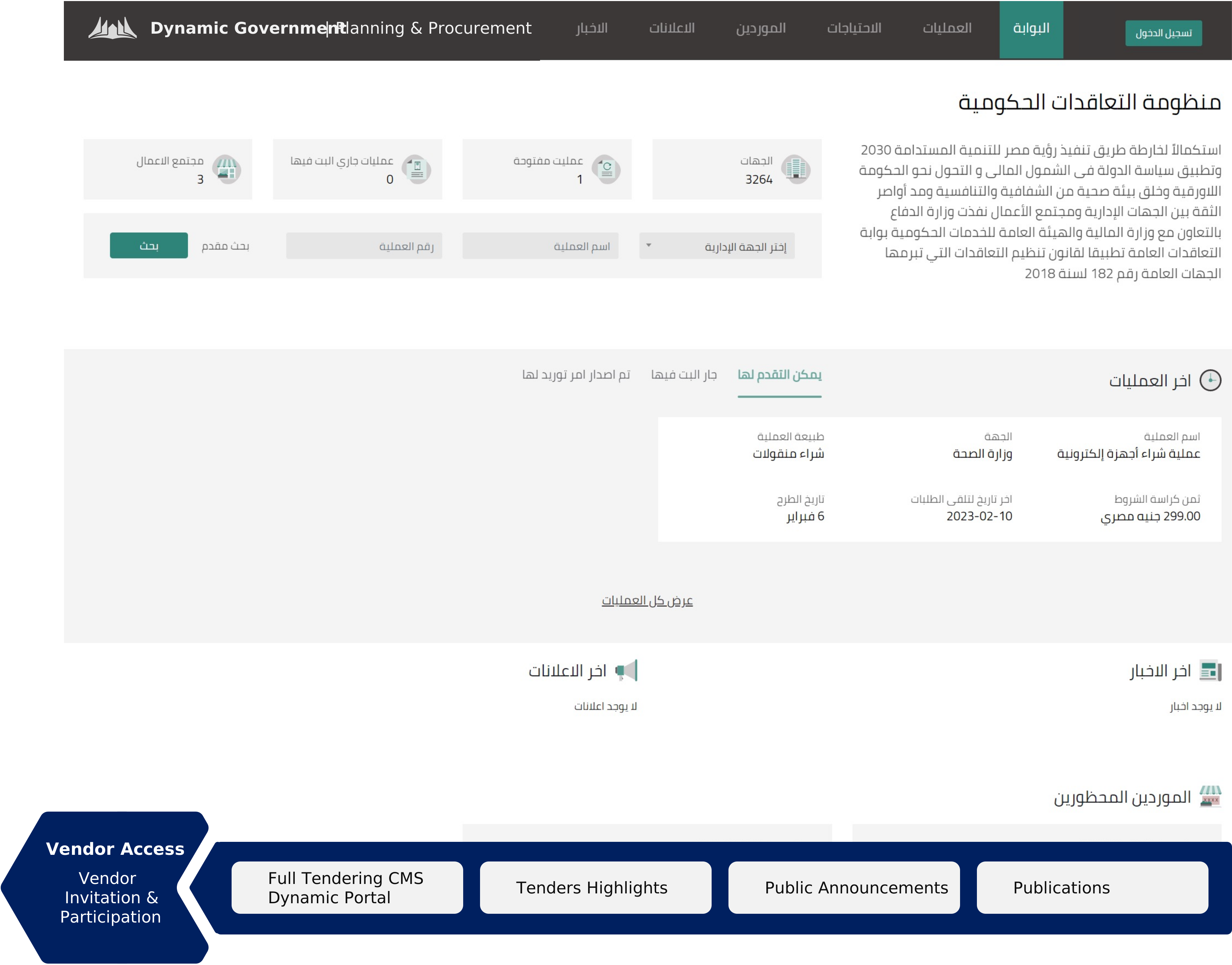
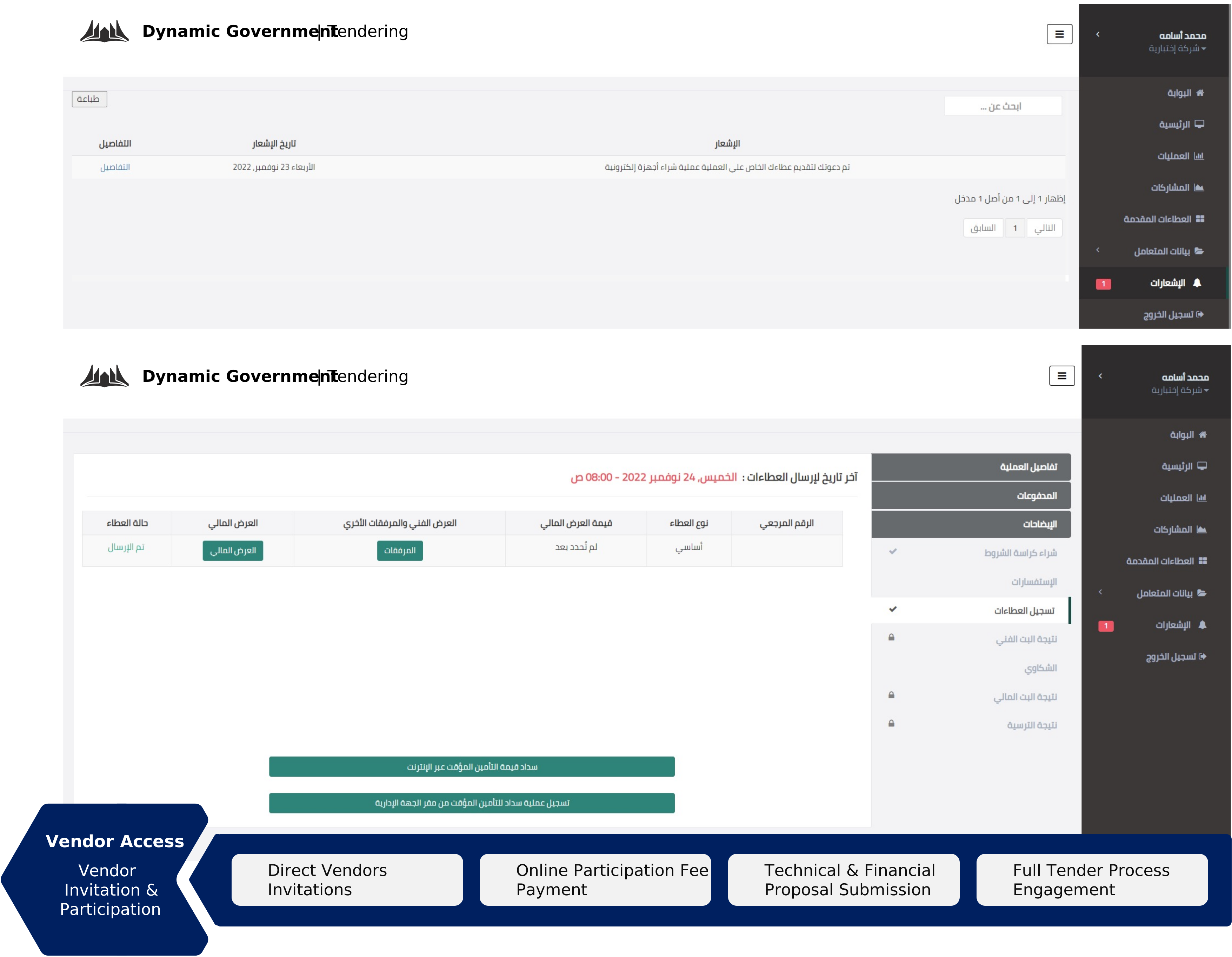
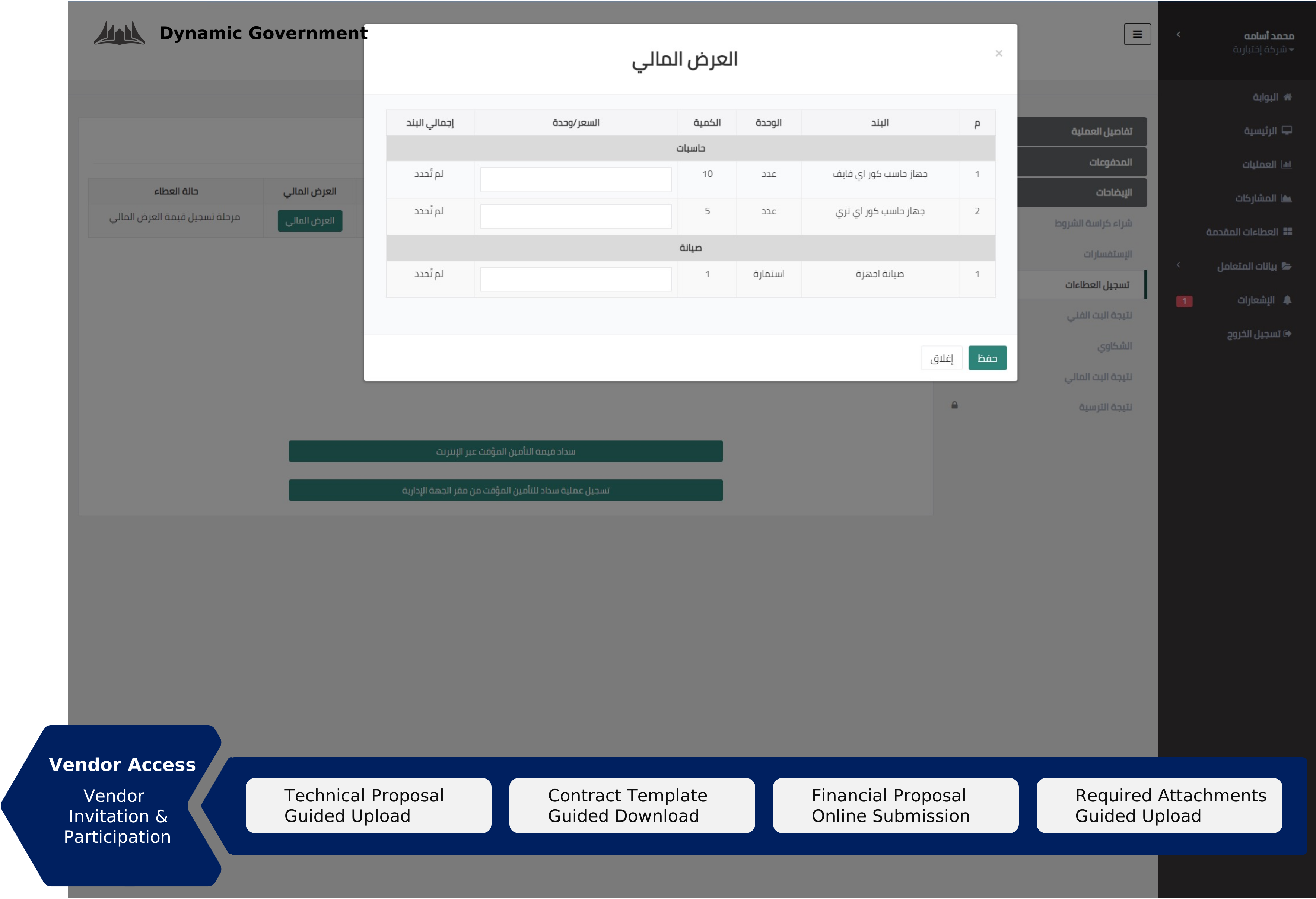
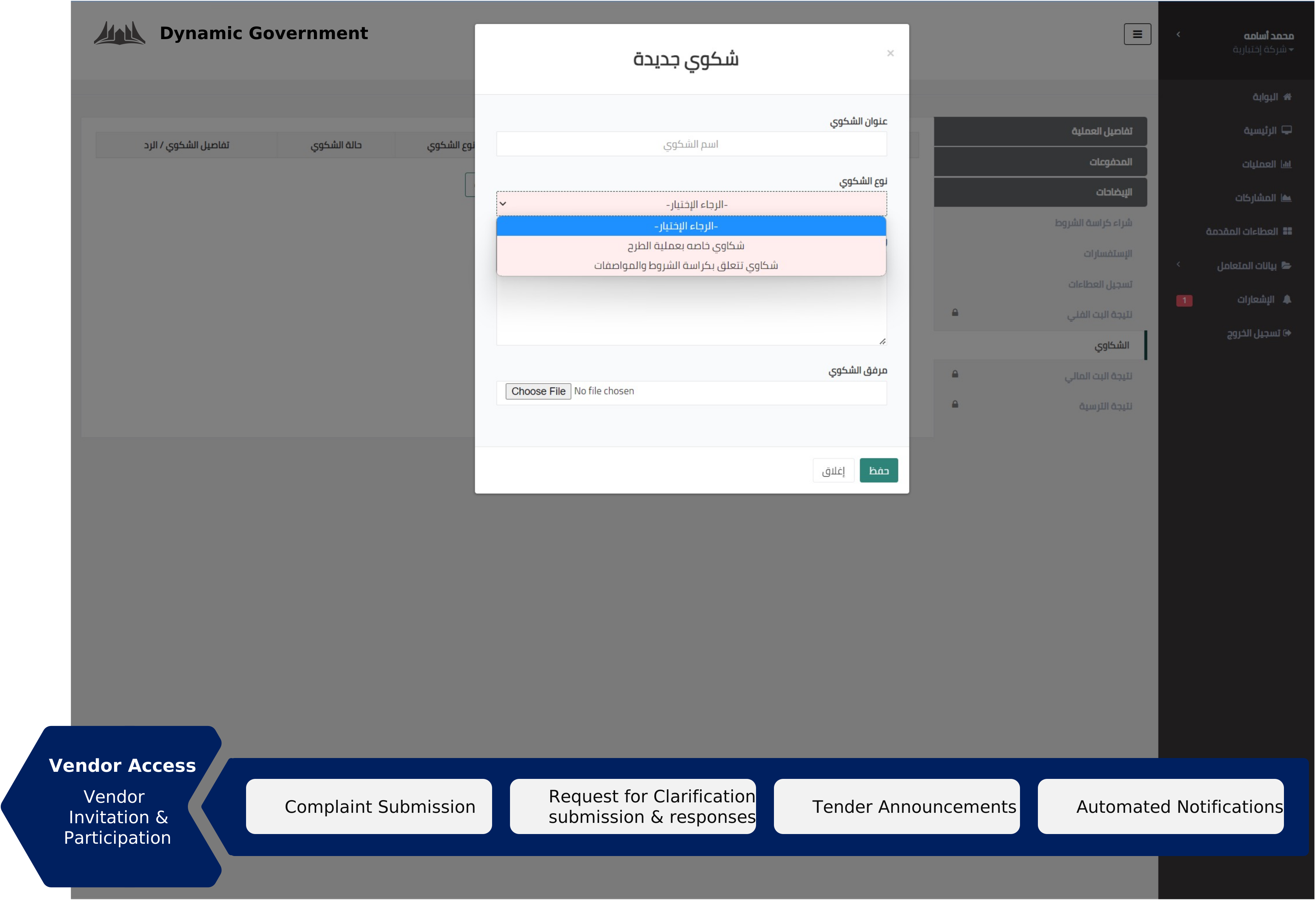
Once the tender is published, vendors are notified based on several criteria’s, if the vendor account was invited, matches the tender specialization or if the Vendor subscribes to a field of business that related to the tender.
Accordingly, registered vendors get access to several tender engagement functionalities, such as:
Evaluation & Awarding
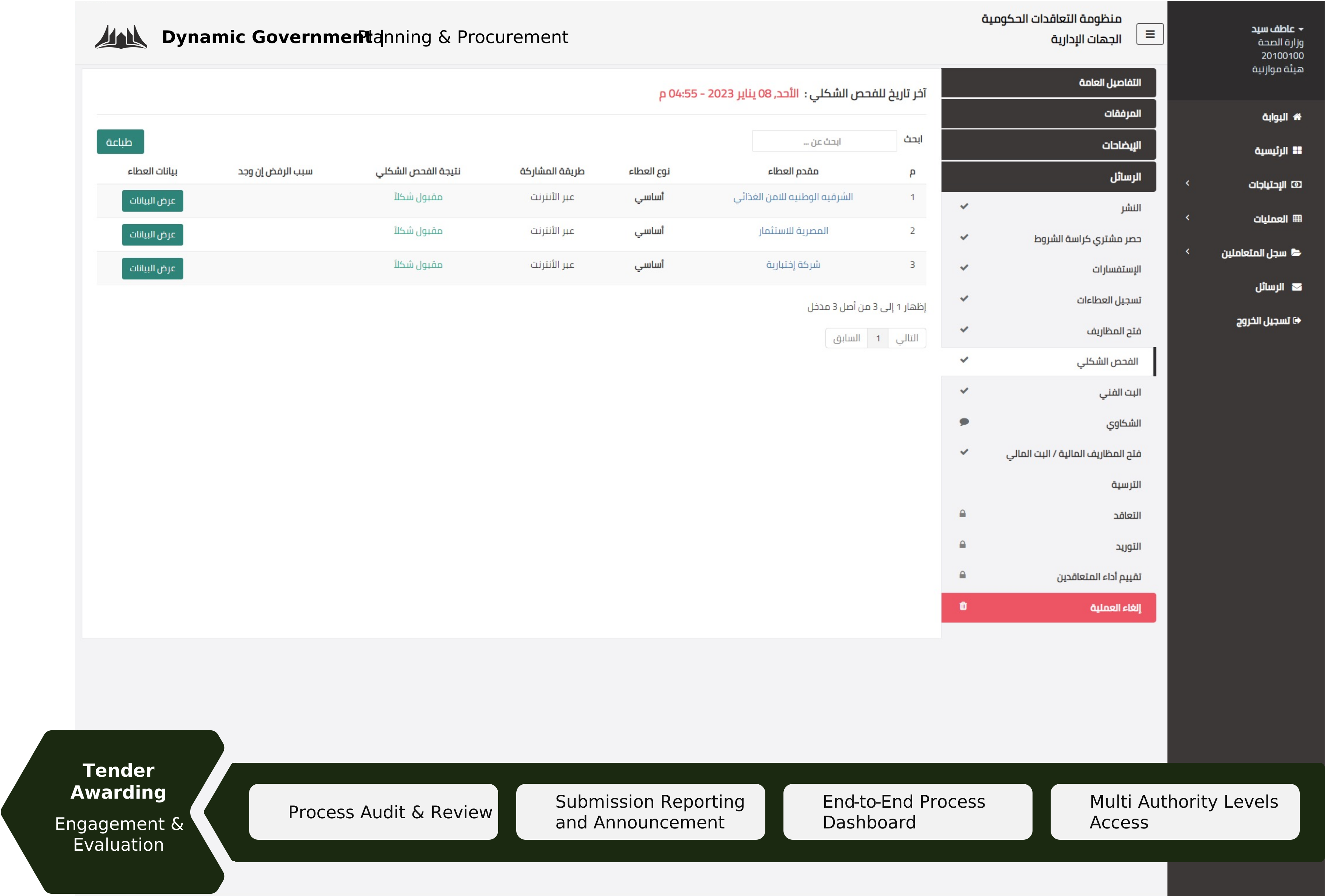
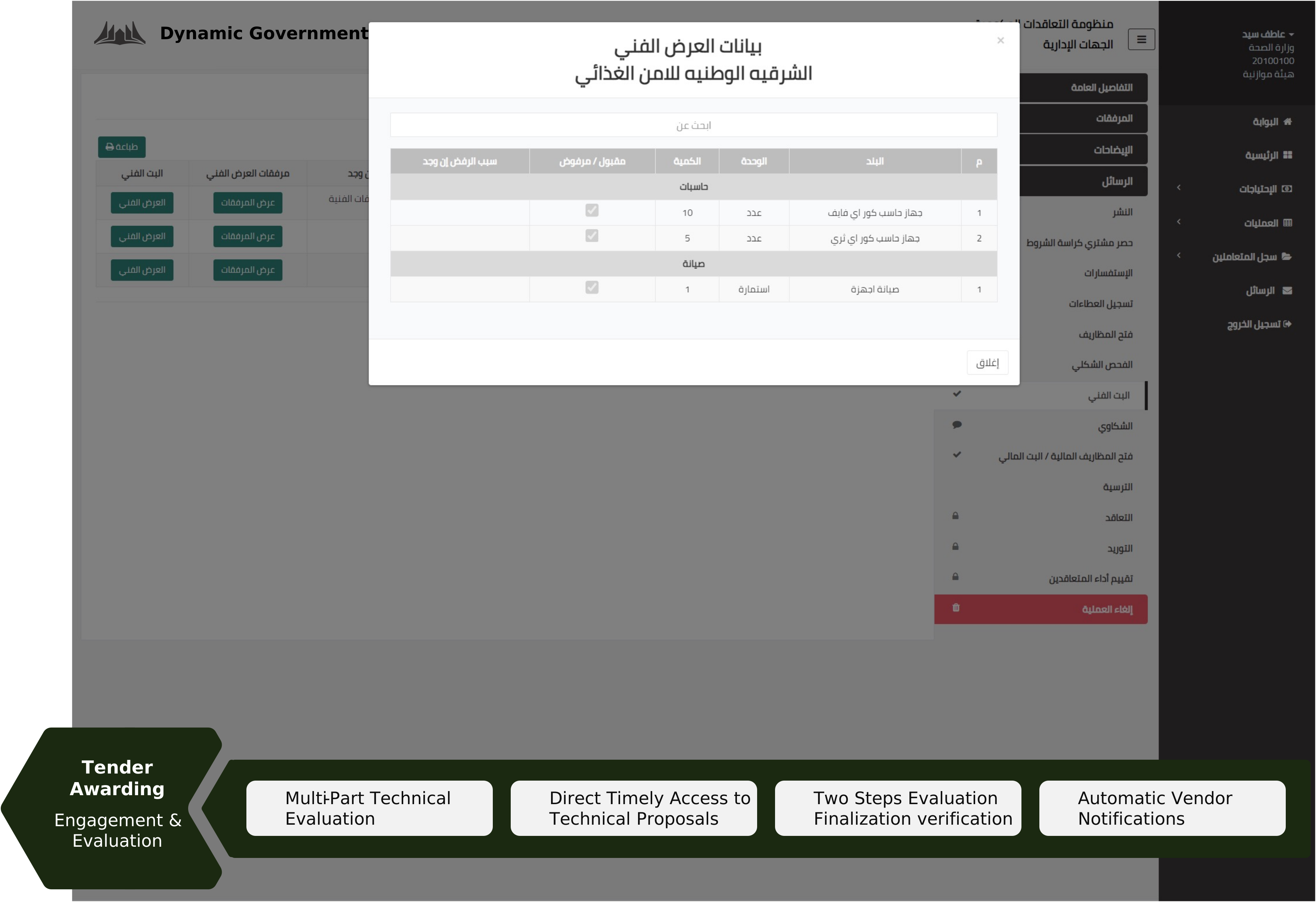
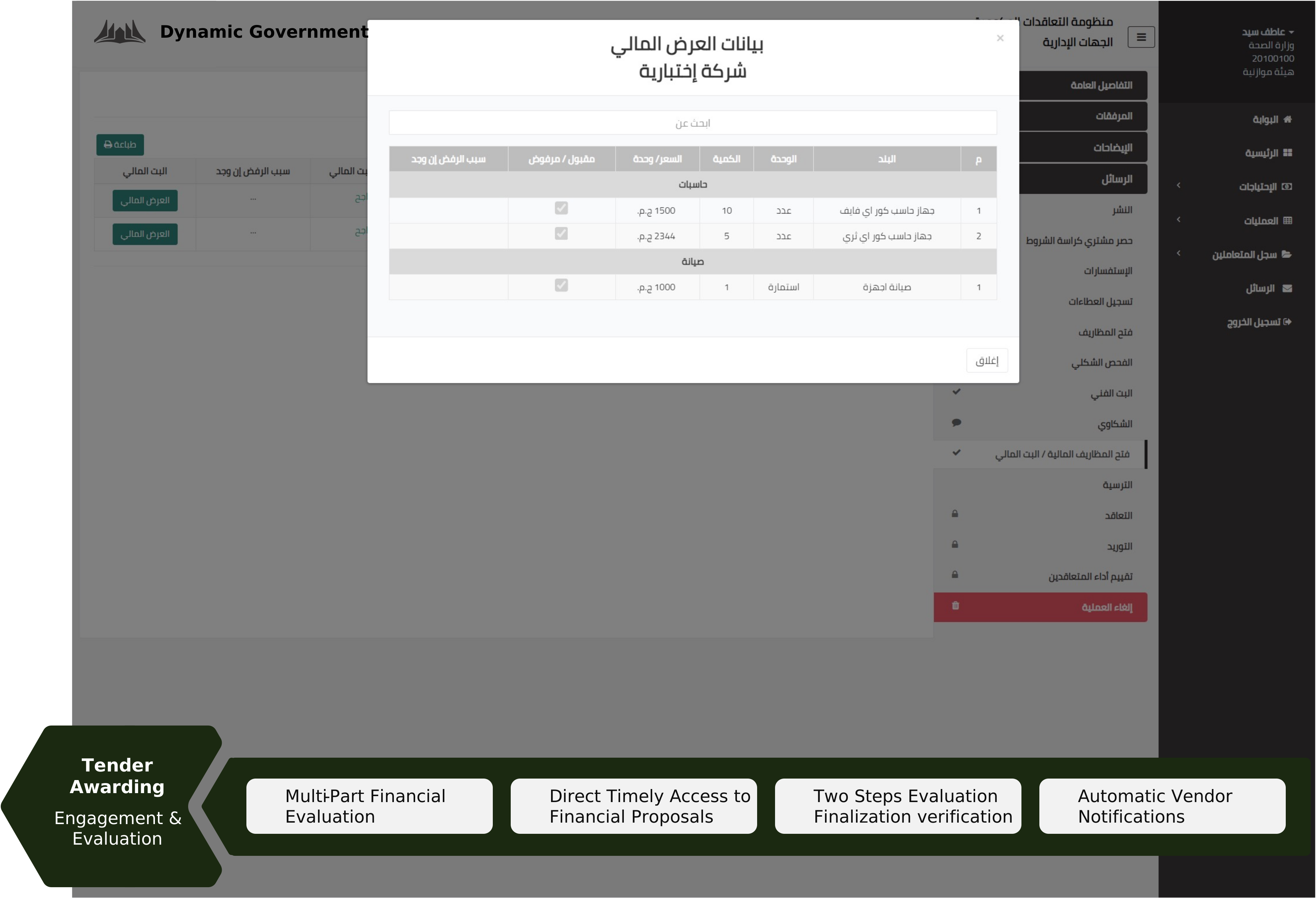
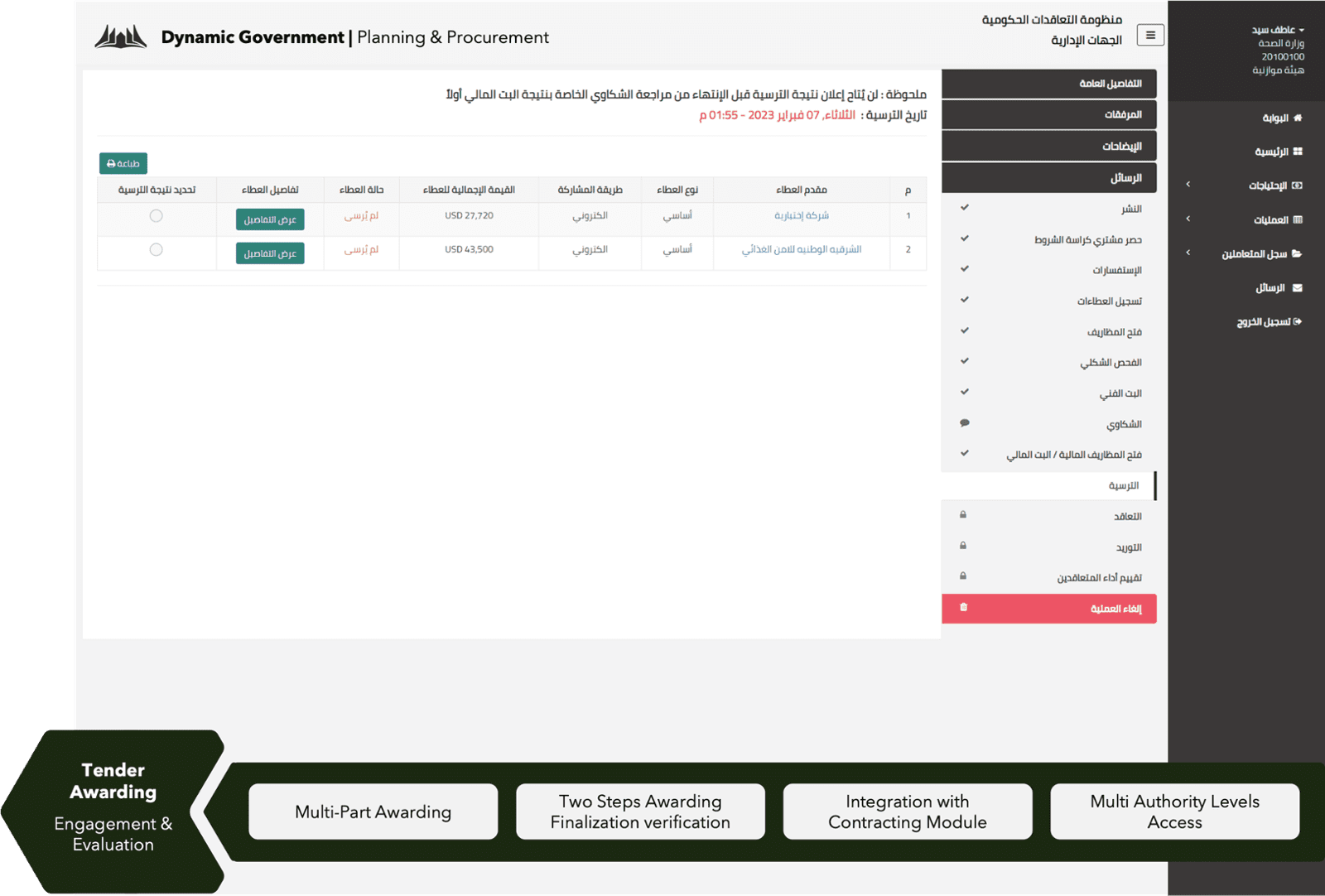
The system provides a secured platform for all tender information. Accordingly, vendor’s submission is not visible to procurement committee until tender submission is closed.
Once submission stage is over and evaluation stage begins, tender team gets access to several evaluation functionalities, such as:
General Features: Mobility
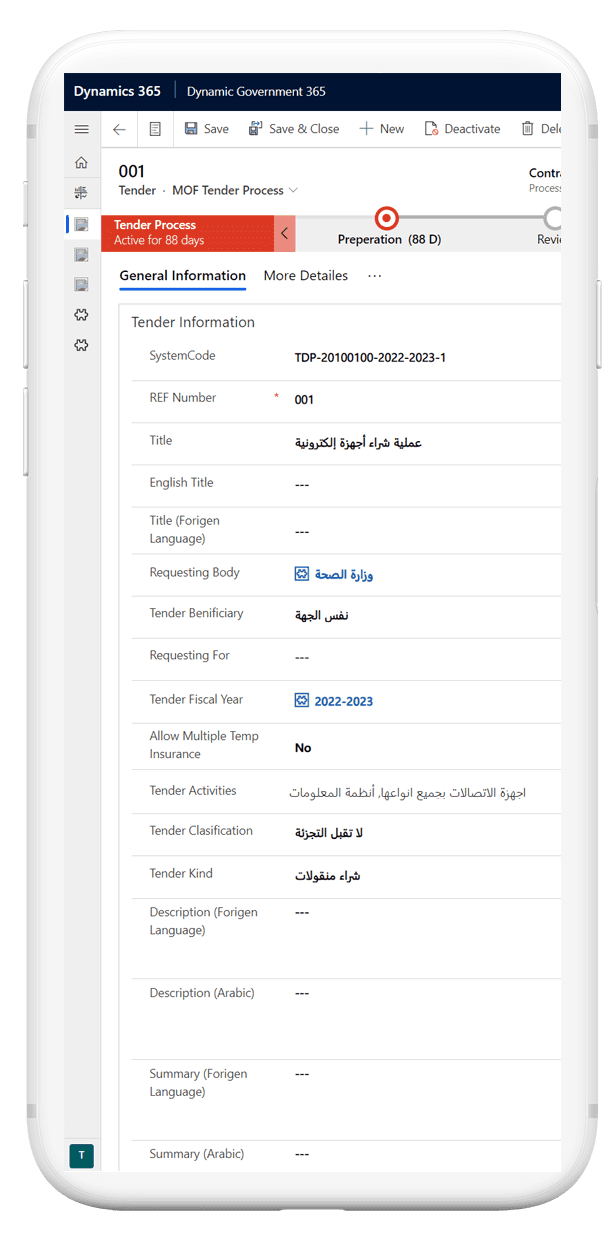
DG365 | Tendering Platform provides mobile access for tendering organization.
Tendering Administration Mobile App Features:
- Provides End-to-End Mobile Access to entire process from an administrative point of view.
- Provides Quick Actions to most common functions, such as Process Review and Step Authorization.
- Provides access to system notifications.
- Administrators can quickly manage users and user activities.
- Administrators can also manage departmental requests and operations.
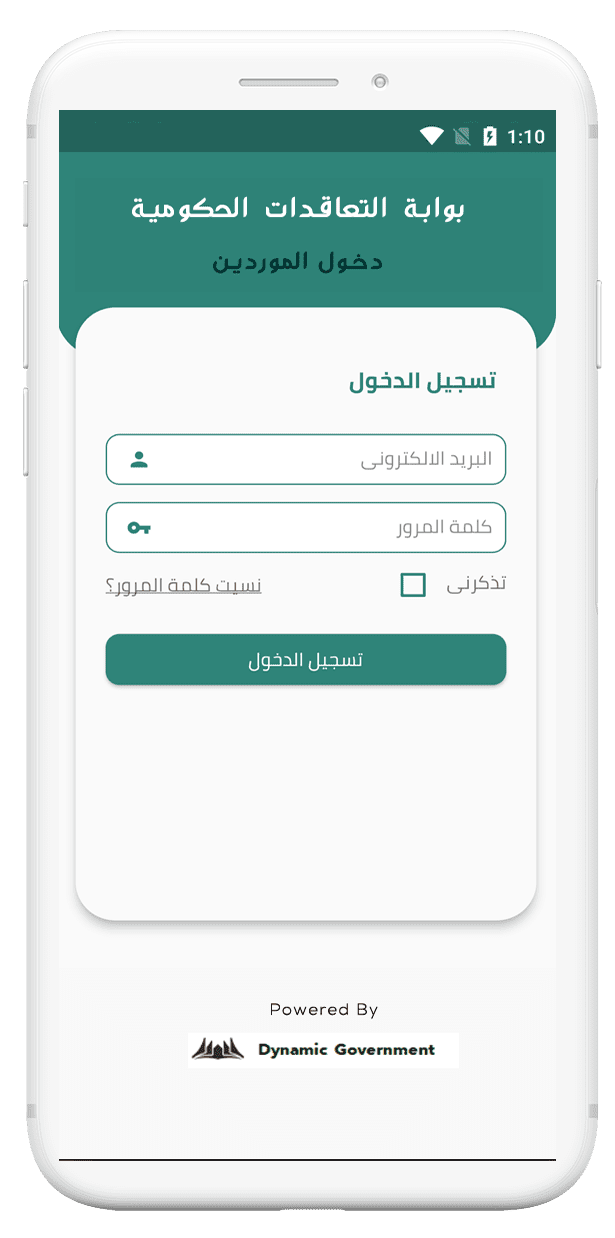
DG365 | Tendering Platform provides mobile access for participating vendors.
Tendering Mobile App for Vendors Features:
- Provides access to new tenders.ess to new tenders.ess to new tenders.ess to new tenders.
- Provides access to notifications and announcements.
- Access tender participations.
- View latest awards.
- Access Vendor engagement activities reminders.ers.ers.ers.
General Features: Time & Event Based Access
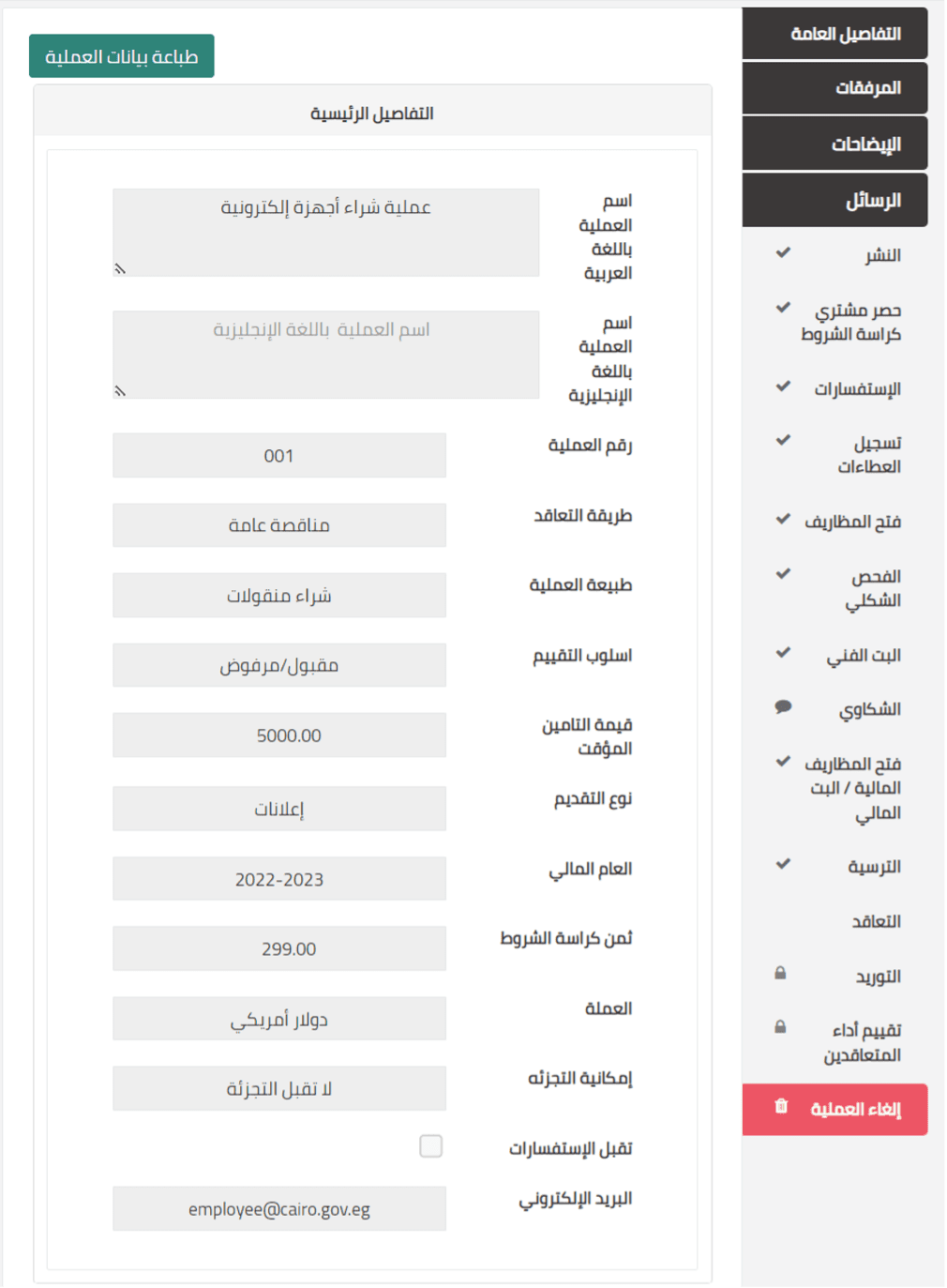
DG365 | Tendering platform provides Event and Role Based Access to sensitive information across the tendering process.
Access Roles are configurable based on adopted regulations. Yet, a set of readymade access rules are available out of the box, such as:
| Access | Role | Event | Condition |
|---|---|---|---|
| Tender | Committee Member | Committee Assignment | Tender Approved and Committee Work has started |
| Bid | Bid Member | Bidding is Closed | Valid only once bid stage is closed |
| Technical Proposal | Bid Member | Bidding is Closed | Valid only once technical evaluation stage begins |
| Financial Proposal | Bid Member | Bidding is Closed | Valid only once financial evaluation stage begins |
General Features: Automated Notifications
With the built-in process management, a multi-channel notification service is enabled by default to be configured to send automated notification messages across Email, SMS and System Interface at various events such as:
- New Tender Drafting
- Tender Publishing
- Approaching a Tender Deadline
- Clarification Response Issuing
- Award Announcement
- General Announcements
General Features: Business Intelligence
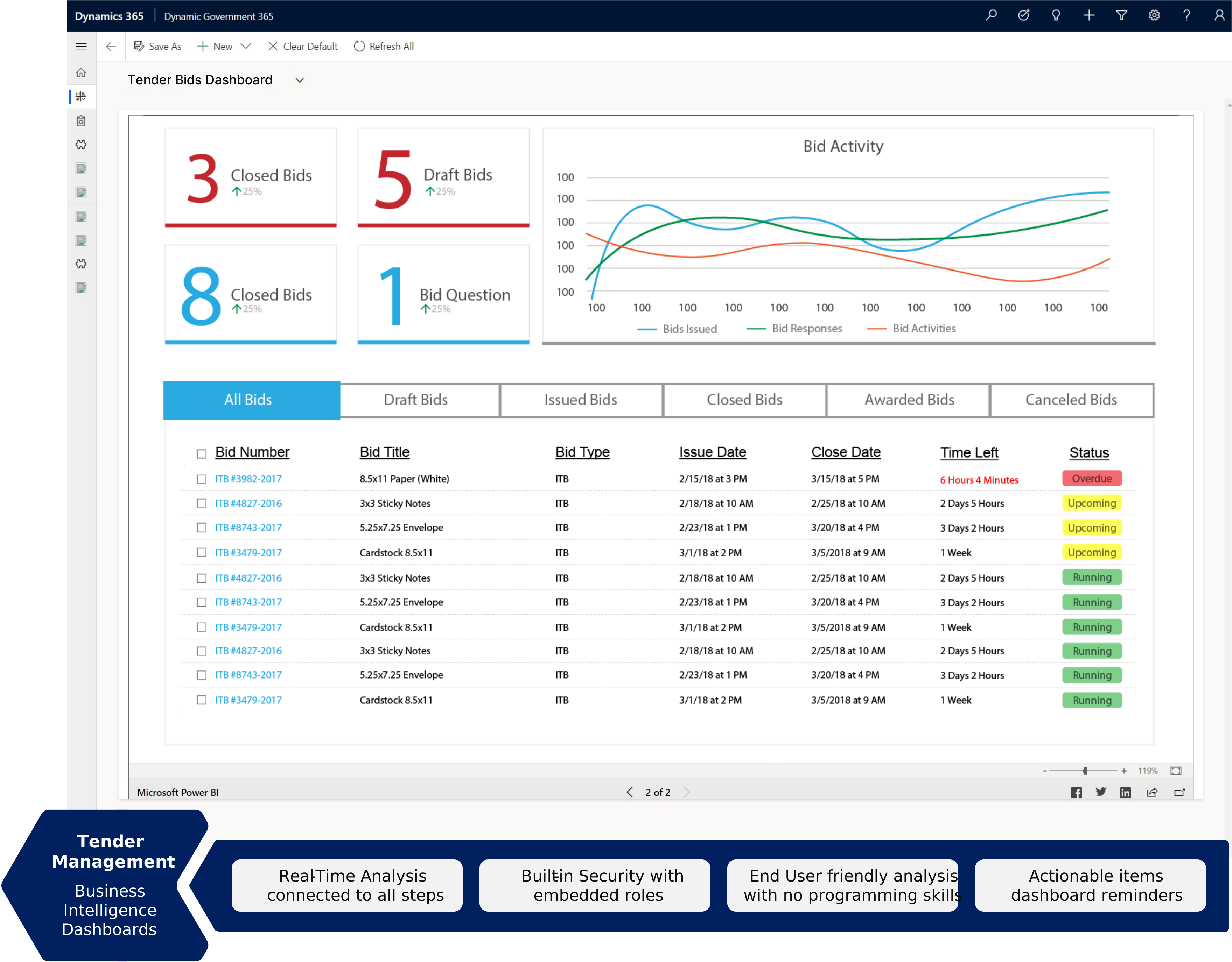
Power BI is a business analytics tool which allows you to easily connect to data sources, create visuals and gain business intelligence quickly. It allows you to:
- Easily manipulate data and create visuals, such as charts, dashboards, maps and many more – so you can present your data in an easy-to-digest format.
- Use natural language to query data and get results.
- Overall, allowing you to easily analyze and make sense of complex data to enable continual improvement.
Technologies